Why I Built dbterm
The useful database loop I wanted on an old laptop—and the backup agent that grew around it.
Shreyam Adhikari explains why he built dbterm, a lightweight Go database TUI for quick data checks, related-table navigation, small queries, and verified backups.
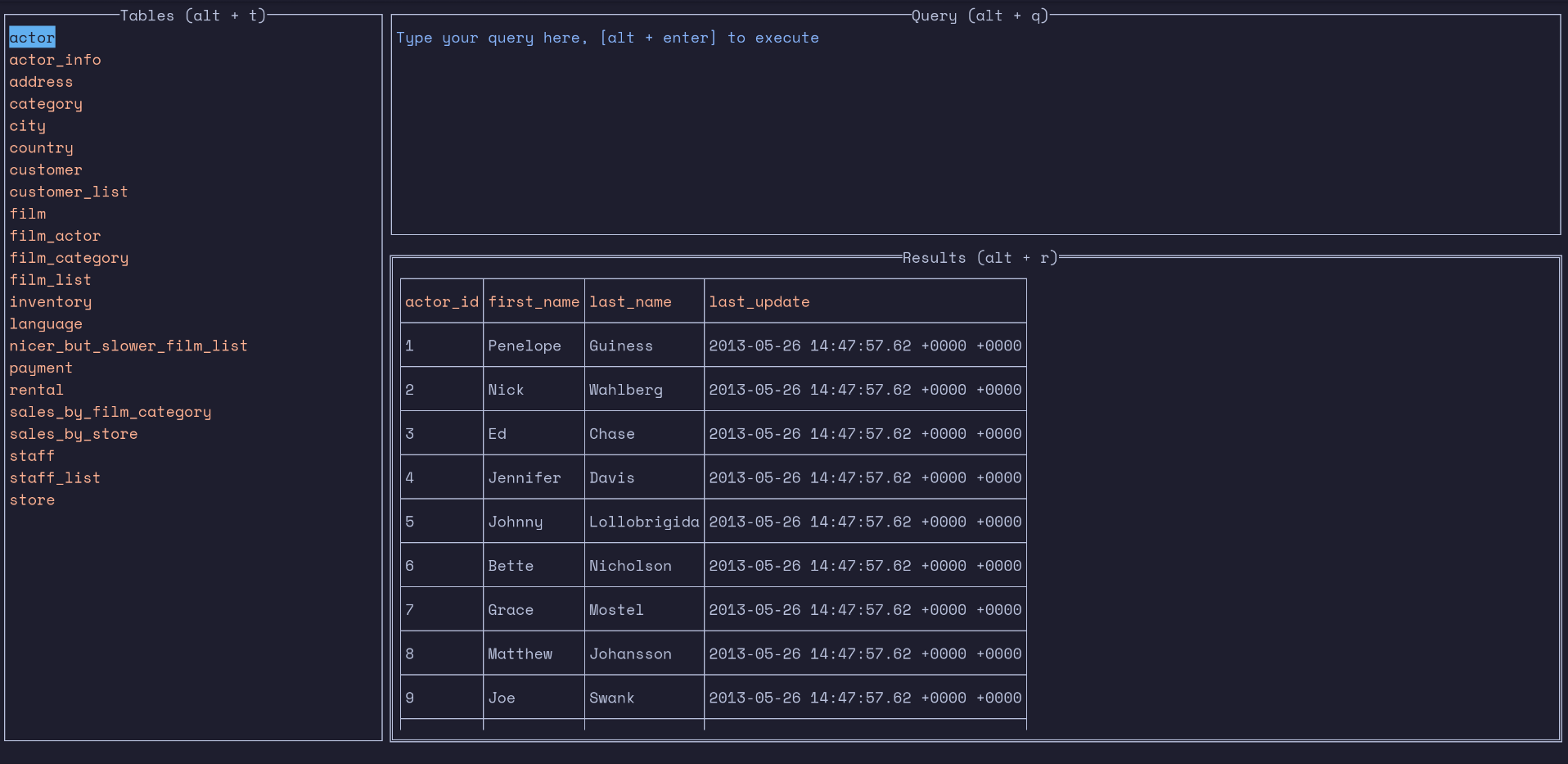
Shreyam Adhikari built dbterm after noticing that most daily work in database clients such as DBeaver and MySQL Workbench repeated four jobs: taking backups, checking data quickly, following one person or record across related tables, and running small SQL queries.
A five-year-old laptop shaped the goal: keep the database workbench lightweight, keyboard-first, and fast to open. The read-focused loop covers table browsing, sorting, refresh, key copying, foreign-key navigation, and related-table filters, while dbterm also supports broader query and data workflows.
Shreyam chose Go for fast builds, straightforward tests, one cross-platform binary, and a short agent-assisted development loop. Large feature flows came first; hundreds of small requirements then improved through repeated build, test, merge, and regression-test cycles.
The dbterm backup agent supports PostgreSQL, MySQL and MariaDB, SQLite, Turso, and Cloudflare D1. It can verify, compress, encrypt, schedule, and publish artifacts across four source and destination routes: local-to-local, local-to-remote, remote-to-local, and remote-to-remote.
dbterm is useful today but is not yet 1.0. It may still contain bugs, and restore remains deliberately narrower than backup support: PostgreSQL, MySQL and MariaDB, and local SQLite.
Topics
- dbterm
- database TUI
- Go database tools
- PostgreSQL client
- MySQL client
- SQLite browser
- database backup agent
- terminal UI
- open source